AnthropicAndroid
Google I/O: Android CLI 1.0 Launches with Native AI Agent Support
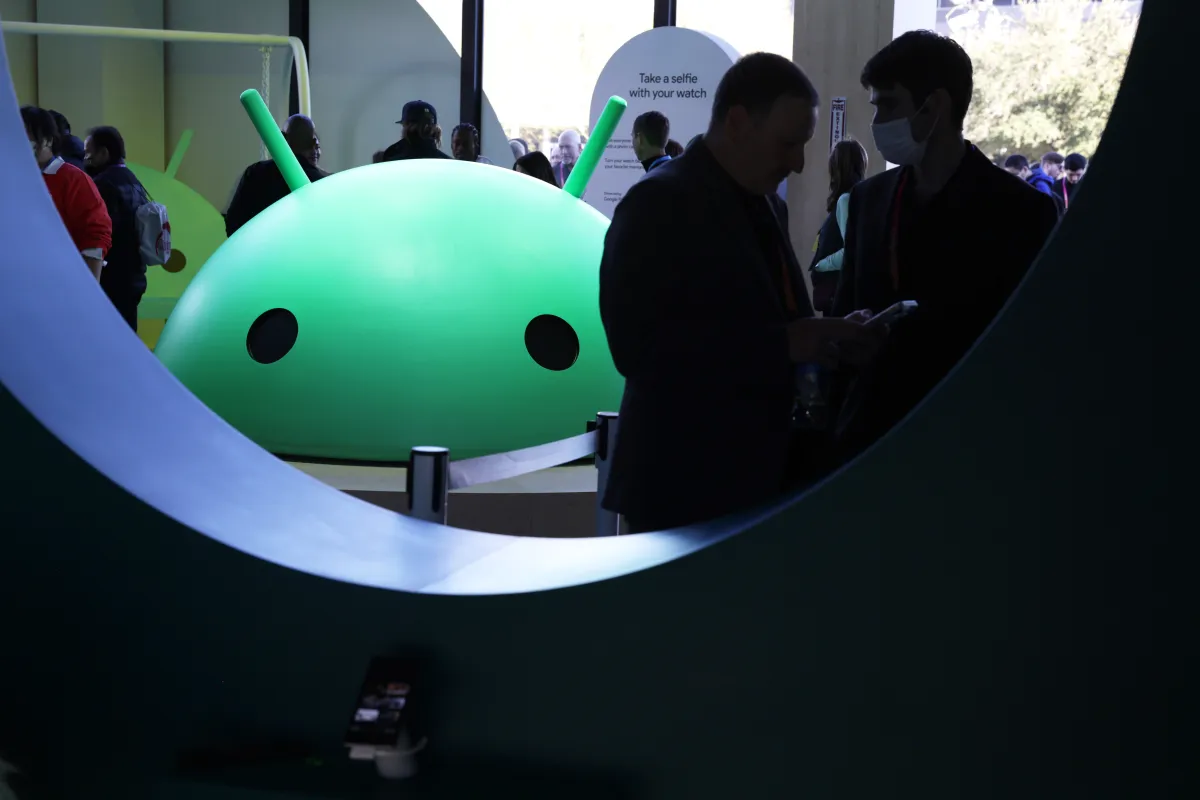
- Google I/O 2024 revealed the official stability of Android CLI 1.0, bridging the gap between non-Google AI models and the Android SDK.
- Developers can now use popular AI agents like Claude Code and OpenAI's Codex to execute Android-specific commands directly.
- The tool allows agents to run the full suite of capabilities found in Android Studio via the new
android studiocommand-line interface. - Google Antigravity includes an optional bundle to install these Android CLI tools for complete agentic development workflows.
🎯 Introduction
At Google I/O 2024, a significant milestone for the Android developer ecosystem was announced: Android CLI 1.0 is now officially stable. This command-line interface acts as the critical missing link for the next wave of AI Agent Android Development. While Google previously focused on "vibe-coding" within Android Studio, this move finally acknowledges a core reality: developers are increasingly abandoning native IDE features in favor of external, powerful AI models like Claude and GPT-4.
For years, there has been a friction point where Android Studio remained a siloed, proprietary environment. With the release of this CLI, Google is essentially opening up its full API through a standard terminal, allowing external agents to query codebases, run lint checks, and scaffold projects without living inside Google's own software.
🧠 Core Explanation
The announcement identifies a clear industry trend: developers are using agentic coding tools to write their code. However, these agents often lacked deep access to platform-specific knowledge—unless they were tightly integrated. Google's solution is Android CLI 1.0.
This isn't just a simple shell; it is a bridge. It repackages the vast knowledge base and tooling of Android Studio (provisioning devices, running instrumentation tests, generating boilerplate) into a series of readable, executable commands.
For a human developer, this means typing android studio sdk emulator instead of hunting through menus. For an AI Agent, it means the ability to execute that same command autonomously to change device settings or analyze logs. By making this interface stable (v1.0), Google is signaling that agentic development is production-ready.
🔥 Contrarian Insight
"Google isn't just building a command line tool; it's admitting that Android Studio is no longer the source of truth. The future isn't 'AI in the IDE,' it's 'IDE capabilities exposed to the command line,' meaning the editor itself is becoming a peripheral tool for human review while the agent does the heavy lifting."
🔍 Deep Dive / Details
The Architecture of the Bridge
The core mechanism is a wrapper service that intercepts commands destined for the Android environment. When an agent (say, a Claude instance) outputs Python code or a shell script, that script now includes commands specific to the Android CLI.
- The
android studioCommand: This specific command acts as a gateway. It allows agents to interact with:- AVD (Android Virtual Device) management: Create and manage simulators programmatically.
- Logcat analysis: Request log dumps to debug agent errors.
- Build & ADB: Push APKs or run instrumentation tests without manual mounting.
Why This Matters
Previously, if a developer used a tool like Cursor or Replit to build an app, they had to manually copy-paste errors from a console into Google's documentation. With Android CLI 1.0, the AI agent can read the error, interpret it, and issue the correct shell command to fix the graduation phase of the build system.
🧑💻 Practical Value
What You Can Do Now
Google confirmed that Android CLI 1.0 is available for integration. While you (as a human) don't need to memorize these commands, knowing that your AI coding buddy can run them is a game-changer.
For Developers building with AI Agents:
- Environment Setup: Ensure your agent's shell environment is set to the latest Android SDK.
- Linking Android Studio: Point the CLI to your local Android Studio installation so it can leverage your license and existing project metadata.
- Verification: Ask your AI agent to iterate on a feature using the CLI commands to ensure it adheres to the actual compilation pipeline.
⚔️ Comparison Section
| Feature | Traditional Android Studio | Android v1.0 CLI (New) | External AI Agents (Claude/OpenAI) |
|---|---|---|---|
| Access | GUI-based, UI focused | Terminal-based, Scriptable | LLM-driven logic-based |
| Agent Compatibility | Limited (Plugin only) | Officially Stable (v1.0) | Fully Integrated via CLI |
| Use Case | In-depth design, debugging | CI/CD, Pipelines, Agentic Work | High-level logic, Boilerplate |
| Learning Curve | High (UI) | Medium (CLI) | Low (Natural Language) |
⚡ Key Takeaways
- Stability Reached: The official release of Android CLI 1.0 marks a shift from beta to production support for AI workflows.
- Vendor Agnostic: You no longer need Google's proprietary agentic platform to utilize these tools; external agents can use the CLI to build Android apps.
- Antigravity Bundle: For those using Google's Anthropic/Gemini agents, the Antigravity platform now comes pre-loaded with exclusive Android CLI toolsets.
- DevOps Evolution: This tool is a cornerstone for the new DevOps model where AI owns the build and environment, and the human owns the product vision.
🔗 Related Topics
- The State of AI Coding: Is the IDE Dead?
- How to Connect Claude Code to Local Projects
- Android Studio 2024: The Best Updates for Developers
- Building with Agents: The Future of Software Engineering
🔮 Future Scope
We can expect a rapid evolution of "Agent-to-OS" bridges in the coming quarters. Since Android is the most widely used mobile OS, this CLI exposes Google's massive codebase to the open-source AI community. We will likely see third-party agents adding deep integration for Android-specific debugging (like memory leaks in the virtual machine) directly into their interfaces.
❓ FAQ
1. Can I use Android CLI 1.0 with tools like Cursor or VS Code Copilot? Yes. Because the CLI is a standard shell interface, any terminal-based AI agent can utilize it, regardless of whether it is the proprietary Google Antigravity or a competitor like Cursor or GitHub Copilot Workspace.
2. Does this mean I can stop using Android Studio? Not entirely. While the CLI allows AI agents to build and test, Android Studio remains the best environment for navigating the complex file structures and design tools. Think of Android CLI 1.0 as the engine and Android Studio as the dashboard.
3. What was the need for Android CLI 1.0?
Historically, external AI tools could only read existing code but couldn't run the specific commands required by the Android build ecosystem (like adb or gradle tasks). This CLI brings those permissions into the AI's workflow.
4. What is Antigravity? Antigravity is Google's experimental agentic development platform. The new CLI bundle is included here to help businesses deploy Android code automatically using Google-owned AI agents.
5. Is this available now? Yes, the announcement confirmed that Android CLI 1.0 is stable and can be used immediately by agents integrating with the Android development environment.
🎯 Conclusion
The launch of Android CLI 1.0 is more than a software update; it's a strategic pivot. By democratizing access to Android's tooling layer, Google is facilitating a future where the barrier to entry for building Android applications drops dramatically. For developers, this means more time spent on architecture and less time wrestling with boilerplate and build errors—an AI dream come true.
Share This Bit