MetaWhatsapp
WhatsApp Security: Why End-to-End Encryption Doesn't Stop Account Takeovers
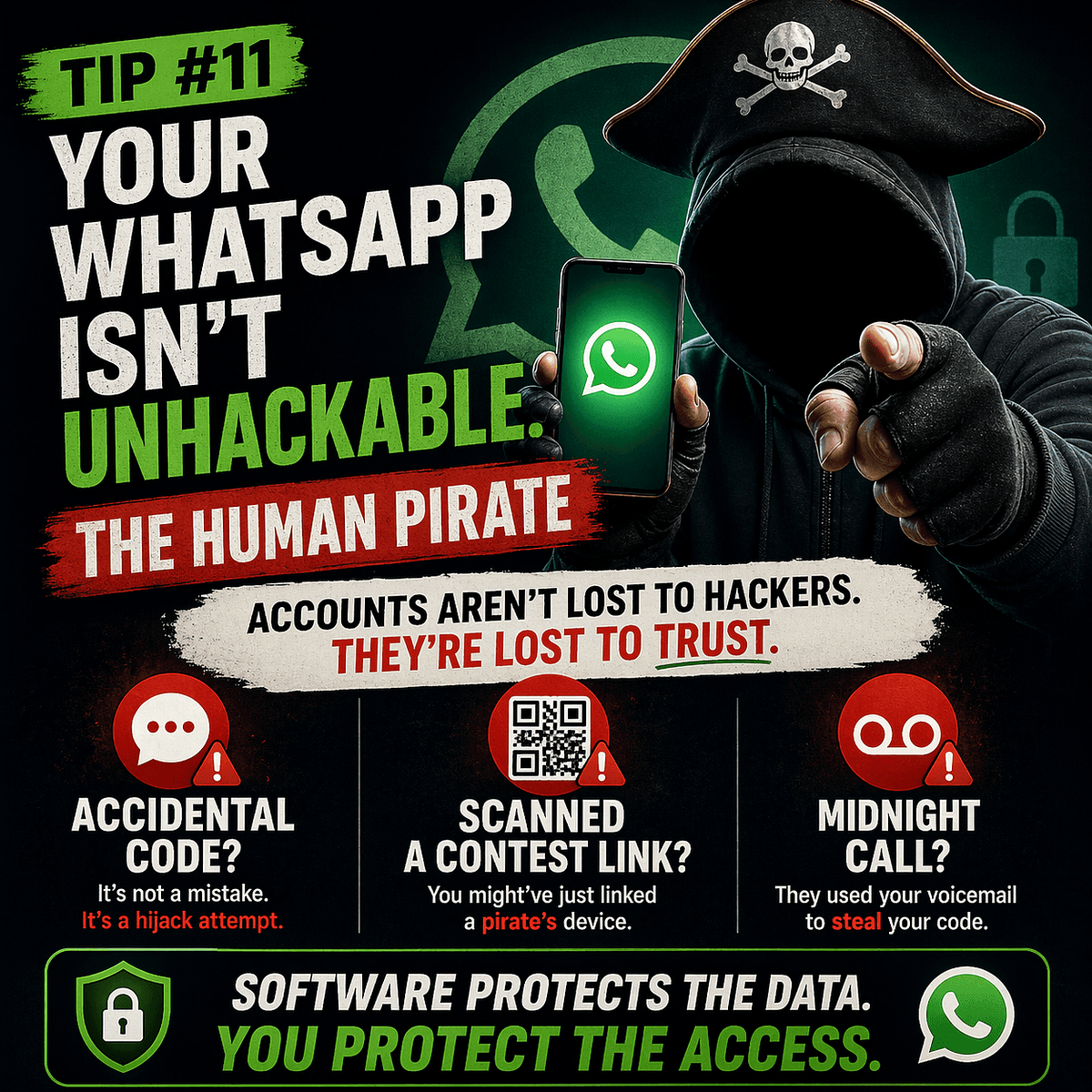
🚀 Quick Answer
If your WhatsApp is hacked, it's rarely because of a software vulnerability. It’s because of WhatsApp Security weaknesses on your side. Here are the top risks:
- Never share verification codes: Even if a friend claims an accidental send, the code is your key.
- Secure your voicemail: Attackers often bypass SMS verification by guessing weak voicemail pins.
- Audit Linked Devices: An attacker can hijack your session remotely if you don't manage your account settings regularly.
🎯 Introduction
The moment you hear your favorite messaging app is "end-to-end encrypted (E2EE)," your guard usually drops. You assume your data is an impenetrable fortress. That is the single most common WhatsApp Security misinterpretation in the industry. Encryption protects the content of your message—that secret whisper in the air. It does not protect your access to the platform.
Today, most stolen WhatsApp accounts aren't broken by brute-forcing servers; they are simply bought, guessed, or social-engineered. If you run a business or manage a community on the platform, treating your account like it’s "secure" by default is a dangerous open door.
🧠 Core Explanation
To understand WhatsApp Security, you have to separate two different layers of technology:
- The Encryption Layer: This is the "steel door" that keeps your messages private after they reach the server. Even WhatsApp can't read your chat. If the server is attacked, your message history might only look like random binary noise (gibberish) to the attacker because it’s encrypted with your device's private key.
- The Authentication Layer: This is the "front porch" where someone proves they are you to get in. This relies heavily on SMS verification codes and your phone number.
The attack vector usually targets that front porch, not the steely door.
🔥 Contrarian Insight
"The biggest lie in consumer security is that 'Two-Factor Authentication' is the ultimate shield. In my experience as a technical security analyst, 2FA (Verification Code) is the only factor you should NEVER trust for your most sensitive accounts. Because if a hacker can trick you into handing over that code, no algorithm in the world can save you."
Most security articles tell you to "use more passwords." But preventing a WhatsApp account takeover isn't about complex passphrases; it's about recognizing the psychological manipulation behind the verification code redirects.
🔍 Deep Dive
The Attack Surface: How Takeovers Happen
Social engineering exploits the trust between humans. The app is perfectly coded, but its design requires a human to act as a physical lock.
1. The "Royal Guard" Scam (Verification Code)
Attacker A compromises Attacker B's account (e.g., through phishing links on WhatsApp Web).
- Step 1: Attacker A triggers a "Let's use WhatsApp on a new device" QR scan or sends a verification code to Attacker B's phone.
- Step 2: Attacker A contacts Attacker B as a friend: "Hey, I accidentally sent you a code, just kidding—send it back."
- The Result: Attacker A takes over Attacker B's account to target their contacts.
2. The Voicemail Loop (The Blind Spot)
WhatsApp relies on SMS/voice calls for "One-Time Password" (OTP) verification.
- The Mechanism: If the code arrives via call, you need to listen.
- The Flaw: If you don't answer immediately, some carriers route it to Voicemail.
- The Exploit: If your Voicemail PIN is
1234or0000, the attacker calling from a spoofed number or the carrier's helpline can play it back to you.
3. QR Code Poisoning
You receive a WhatsApp link from a group (controversial opinion or political post). It contains a QR code.
- The Trap: When you scan this, you are authorizing a device to be linked to your account instantly, without seeing the device's name.
🏗️ System Design: The Security Architecture
From a technical standpoint, WhatsApp’s architecture has a massive flaw in the Authentication Lifecycle.
The Normal Flow:
graph LR
    User[User Phone] --> Auth[WhatsApp Server]
    Auth -->|1. Request Access| User
    Auth -->|2. Generate Code| Carrier[SMS/Phone Network]
    Carrier -->|3. Deliver OTP| User
    User -->|4. Input Code| Auth
    Auth -->|5. Grant Session Token| User
The Vulnerable Architecture (Social Engineering): The chat is encrypted (Client-Server Encryption).
graph LR
    User[User Phone] --- Encrypted[(E2EE Tunnel)]
    Attacker[Attacker Device] -->|mid-stream intercept?| Auth[WhatsApp Server]
    Attacker[Attacker Device] -->|Social Engineering| User
The Trade-off: WhatsApp prioritizes universal accessibility (works on any phone, no app store needed) over specialized Hardware Security Keys (like YubiKeys). This "Simplicity vs. Security" trade-off is the root cause of difficulty in managing sessions remotely.
🧑💻 Practical Value
Do this 10-Minute Audit now to harden your WhatsApp Security:
-
Force-Logout on Linked Devices
- Go to: Settings > Linked Devices > tap a device > Log Out.
- Tip: You cannot "Delete all" at once, but you must manually log out every active browser or PC to prevent "Token Forgery" hacks.
-
Set the "Gold Standard" PIN (2FA)
- Go to: Settings > Account > Two-step verification.
- Rule: Set an email and a PIN. This ensures that even if someone intercepts your SMS code, they cannot move forward without your PIN.
-
Secure the Voicemail
- Action: Dial your carrier's support line (or use your carrier app) and change your PIN to something unique immediately.
-
Add Escape Hatch Information
- Action: WhatsApp allows a "Registered email" in 2FA.
- Note: If you actually get locked out permanently, this is how you recover your account.
⚔️ Comparison Section: WhatsApp vs. Signal vs. Telegram
| Feature | Signal | Telegram | Verdict | |
|---|---|---|---|---|
| Encryption | E2E (DEFAULT) | E2E (DEFAULT) | Cloud E2E (Chats) | Superior for Privacy |
| Account Recovery | SMS (Vulnerable) | QR Code (Less vulnerable) | Phone Number | Telegram/Signal win |
| Linked Devices | 1 per moment (Web/PC) | Extensive (Unlimited Web/PC) | Unlimited (Servers clear) | Functional, can be risky |
| Primary Security Risk | Verification Code Theft | QR Scan phishing | Data Mining | WhatsApp/Signal are equal |
⚡ Key Takeaways
- Encryption != Security: An encrypted lock can be picked if you hand the key to a polite stranger.
- The Code is Sacred: A 6-digit verification code is the same as handing someone your house keys.
- Audit Regularly: "Set it and forget it" is how you get hacked.
- Voicemail Matters: Your carrier's PIN is part of your digital perimeter.
🔗 Related Topics
- How to Create a Password Manager Strategy for Beginners
- The Rise of Smishing: Why Texting is the New Email Spam
- Top 5 Authenticator Apps That Beat SMS 2FA
❓ FAQ
Q: Can WhatsApp be really hacked? A: The app code is secure, but the account actions (linking a device, verifying a number) are rarely hacked via software; they are hijacked via social engineering.
Q: Should I use the "Wait 7 Days" trick to prevent hacking? A: Currently, WhatsApp does not have an active in-app setting to "disable recovery for 7 days." You must rely on Two-Step Verification PINs.
Q: Do I need security software for my phone to stop WhatsApp theft? A: Malware exists, but vector theft (Social Engineering) is untraceable by standard antivirus until the damage is done. Awareness is your only antivirus.
🔮 Future Scope
Next-gen authentication protocols are moving toward Loss of Control. Apps like Google (Android) are introducing FIDO2 security keys (physical USB sticks) as a backup, which would theoretically circumvent the SMS verification theft loop entirely.
❓ Conclusion
Your WhatsApp is encrypted because you are doing something important—communicating. But encryption has a design limit: it assumes the user is rational. Attackers exploit irrational behavior. Don't let a fake "oops" message cost you your reputation. Implement the Two-Step Verification PIN today.
Follow my Facebook page for short, practical cyber safety tips and real-world scams people are falling for right now.
Disclosure: This article contains affiliate links. If you choose to secure your family’s digital life through one of these links, I may earn a small commission at no extra cost to you. This helps fund The Digital Bodyguard Project. Thank you for your support.</arg_value>
Share This Bit